

A collection you can feel.
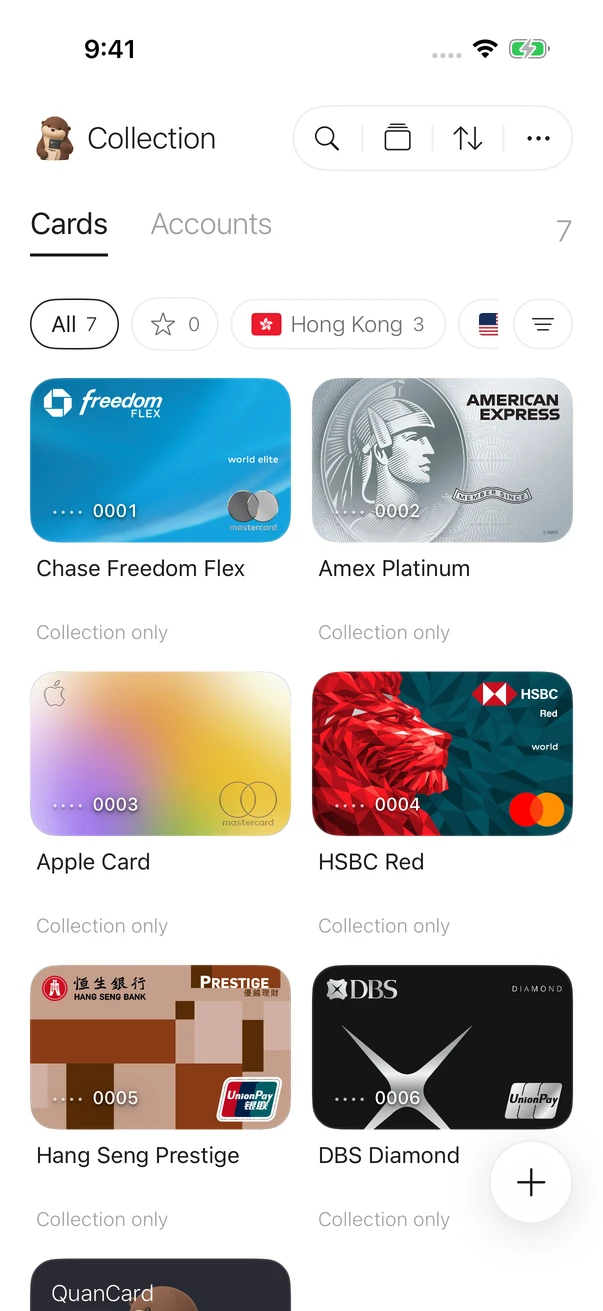
Browse a stack or switch to a grid. Press and drag to arrange cards, then filter by region or favorites.
 QuanCardSecurity
Organize the cards and accounts you already own. A private home for your collection on iPhone.
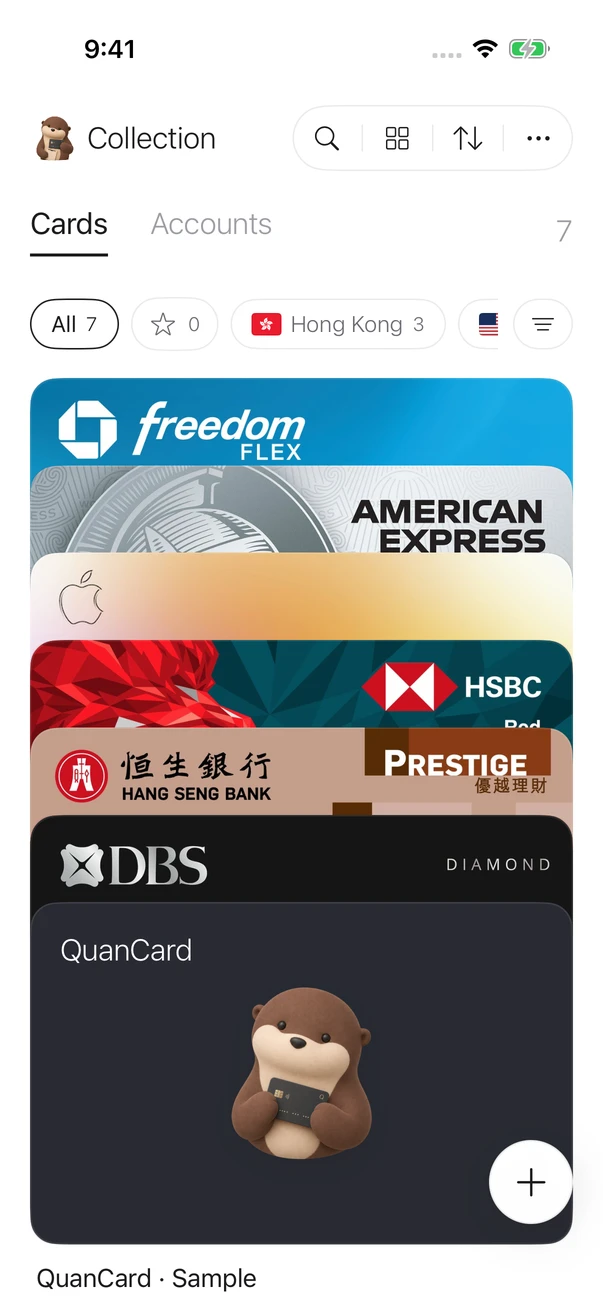
Browse, arrange, and give each card a place. Just as you would with the things you love collecting.

App screenshots · fictional details for demonstration
Card artwork and trademarks belong to their owners. Display implies no partnership or endorsement. Details are fictional and cannot be used for payment.
Browse a stack or switch to a grid. Press and drag to arrange cards, then filter by region or favorites.
Keep bank accounts separate from cards, with routing details, currencies, and notes together.
Add your own card photos or choose a simple template. Make the collection feel like yours.
What you treasure deserves care. Your information starts on your own device.
Read our privacy note


No QuanCard account needed for your local collection. Browse and organize offline.
Card details, account information, and photos are encrypted before they are stored.
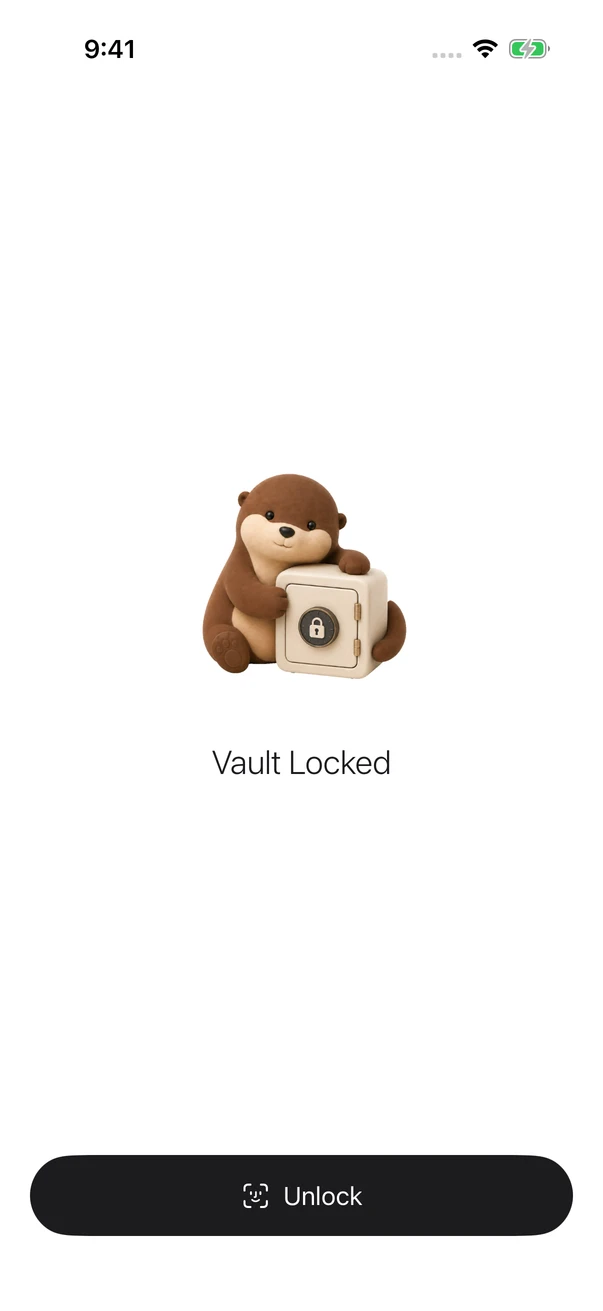
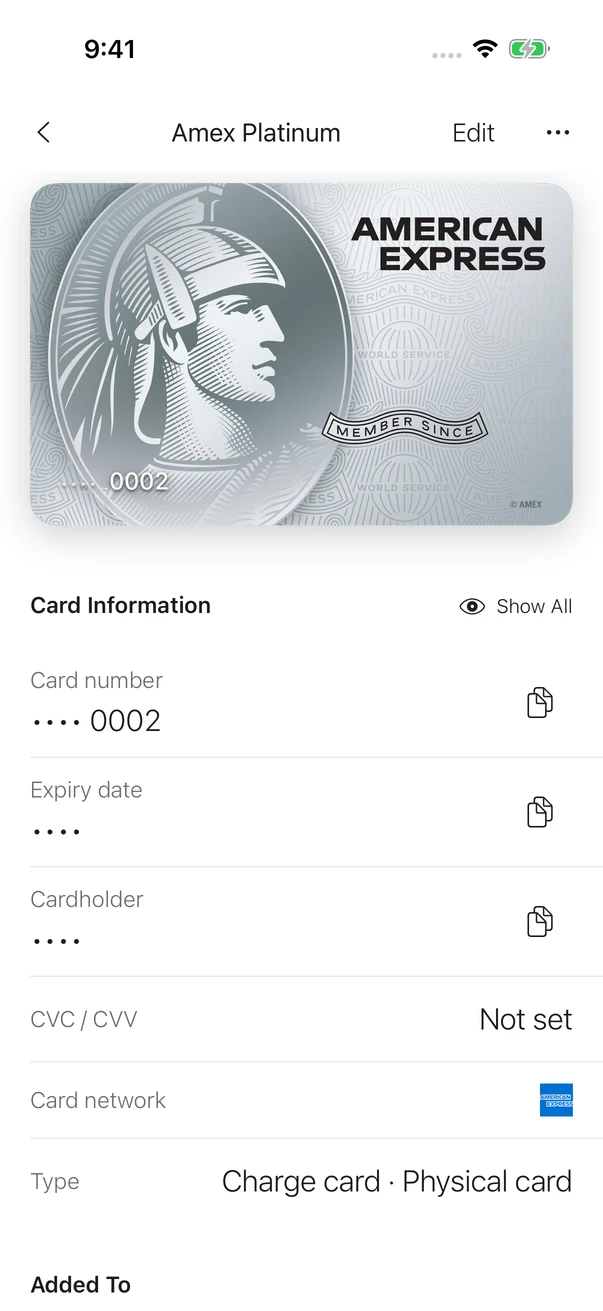
Only the last digits appear by default. Authorize to reveal details. The app covers your vault in the background; a brief return keeps details masked, and a longer absence requires unlocking.
Export cards, accounts, artwork, and order in a password-protected backup. Preview conflicts before choosing how to restore.
Local, iCloud, or your own server. You choose where your collection lives.
Run QuanCard’s sync service on your own server, manage your cards in the browser, and pair your iPhone with a single scan. Your data stays encrypted, and you stay in control.
Server open source under AGPL-3.0The QuanCard app is commercialzoolapp / quancard-server
Sync is opt-in. Local mode uploads nothing. Choose one sync backend at a time; disconnect before switching, keeping your local collection.
The self-hosted project is a development preview. You manage deployment and maintenance.
Join the public TestFlight beta and install it on an iPhone running iOS 26 or later. Verify your email on this website to open TestFlight immediately; no manual approval is needed. The App Store release is not available yet; you can also join the launch waitlist for a reservation number and an email when it launches.
Join the app waitlist for early-bird pricing at launch. Prices and the release date will be announced later.
No. QuanCard organizes cards and accounts you already own. It does not issue cards, connect to banks, handle funds, or help bypass KYC or regional restrictions.
The first release is designed for iPhone running iOS 26 or later. The app has Simplified Chinese, Traditional Chinese, English, and Japanese. The native app starts on iPhone; the self-hosted service also includes a web vault.
No. Local mode needs no account or connection. Choose iCloud, or connect your own QuanCard Server. The server and web vault are open source on GitHub and can be modified and extended under their license. Connect in the app to enable sync, using one backend at a time.
No. This is a product website. It has no card-entry form, file upload, or vault decryption. Never send card numbers, CVCs, account numbers, or backup passwords to this website or the support address.